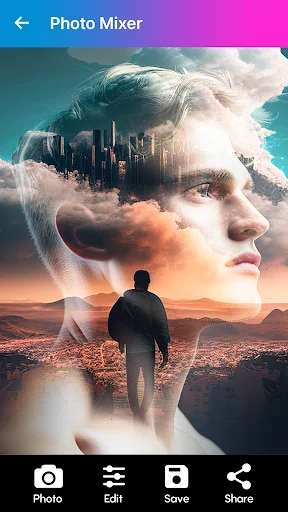
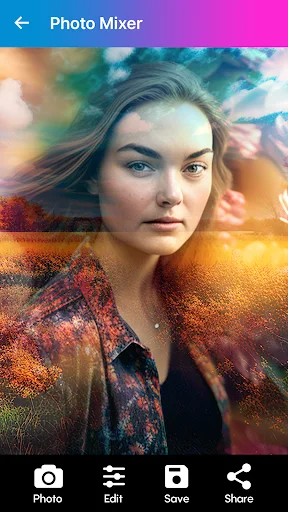
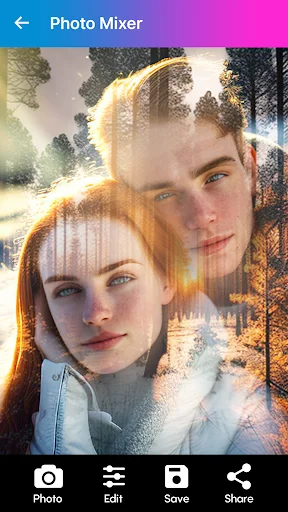
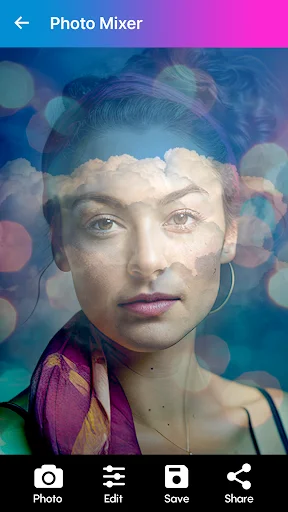
How can you turn ordinary photos into extraordinary visual experiences? Blend Photos - Photo Blender offers intuitive tools that allow users to merge, blend, and edit images with professional-grade results.
What's Inside Blend Photos - Photo Blender?
Blend Photos - Photo Blender is a powerful Android photo editing application designed for seamless image blending and creative composition. This versatile tool enables users to combine multiple images using advanced blending modes, double exposure effects, and customizable layouts. Ideal for photographers, designers, and casual users alike, it transforms static images into dynamic visual stories through precise editing capabilities and artistic enhancements.
How to Use Blend Photos - Photo Blender
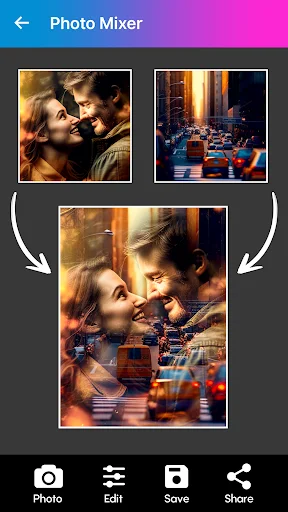
Photo Blending Interface
Begin by selecting two or more images from your gallery. The app provides real-time preview functionality during the blending process, allowing instant adjustments to opacity levels, alignment, and positioning before finalizing your composition.
Background Removal Tool
Utilize intelligent background detection algorithms to isolate subjects from their surroundings. Simply mark areas you wish to keep or remove, then apply automatic masking features that preserve fine details such as hair strands or transparent objects.
Layout Selection & Customization
Choose from over 800 professionally designed collage templates spanning various aspect ratios including Instagram posts, Facebook covers, and standard print sizes. Each layout supports individual resizing, rotation, and layer ordering options for complete creative control.
Key Features
- Advanced dual-image blending engine with transparency controls
- Automatic background removal with edge refinement technology
- Comprehensive editing suite featuring cropping, resizing, and rotation functions
- Double exposure overlay effects with adjustable intensity settings
- Extensive library of artistic filters and enhancement tools
- Over 800 pre-designed collage layouts optimized for social sharing
- High-resolution export capability maintaining original image quality
- Intuitive drag-and-drop interface suitable for beginners and experts
- Auto-blend suggestion system powered by AI analysis
- Support for grid-style compositions and freeform arrangements
Download Blend Photos - Photo Blender today to unlock unlimited creative potential. Available exclusively on Google Play Store for Android devices. Visit apk.odinwan.com for additional resources and updates.