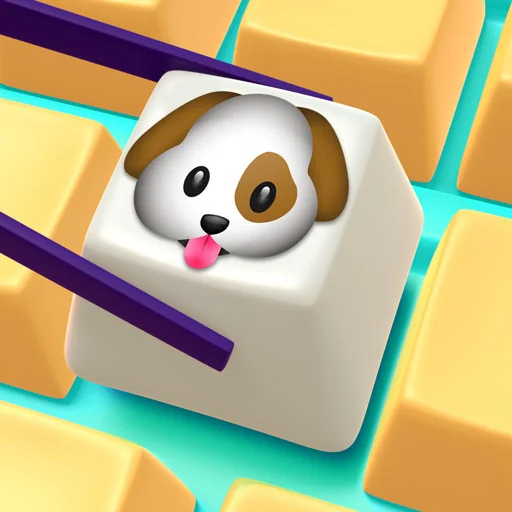
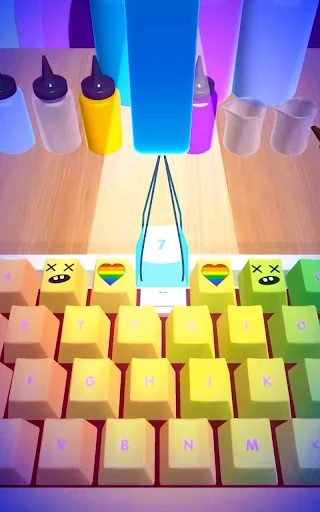
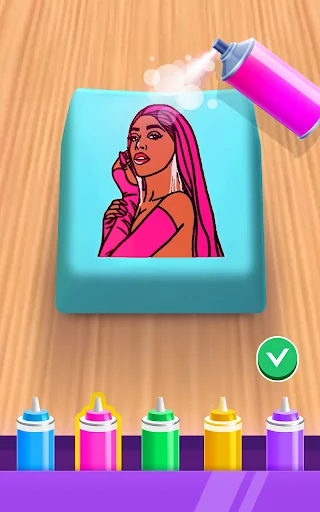
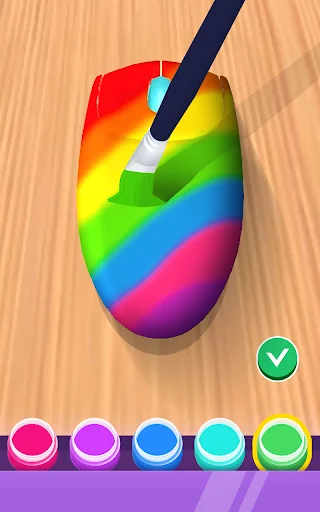
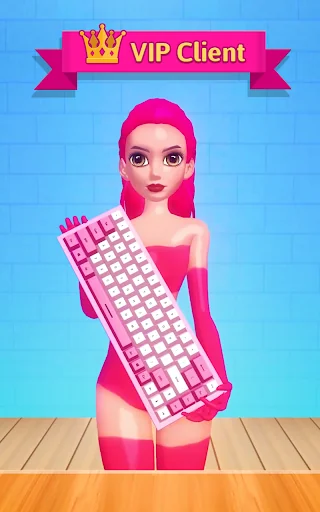
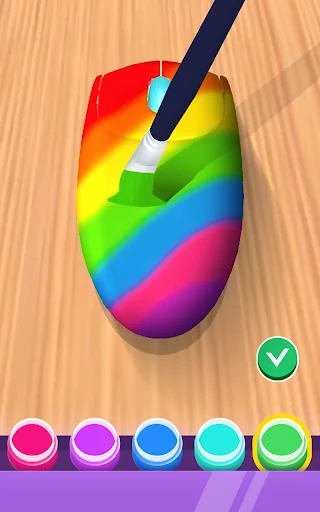
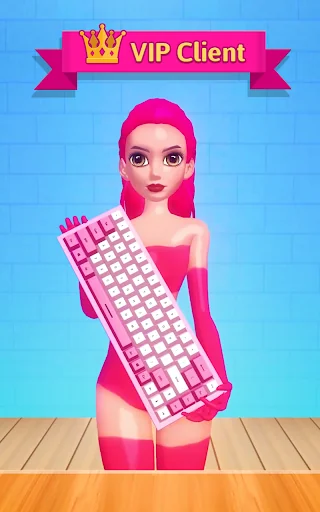
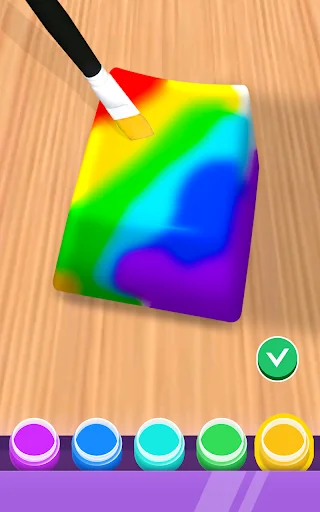
Are you ready to unleash your creativity and design the most unique keyboard of your own? DIY Keyboard offers an engaging and imaginative experience where players can craft custom keyboards using a wide range of colors, patterns, and stickers. Whether you're a casual player or a design enthusiast, this app provides endless hours of satisfying creative gameplay.
What's Inside DIY Keyboard Gameplay?
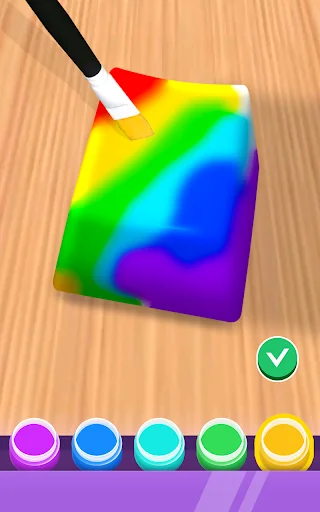
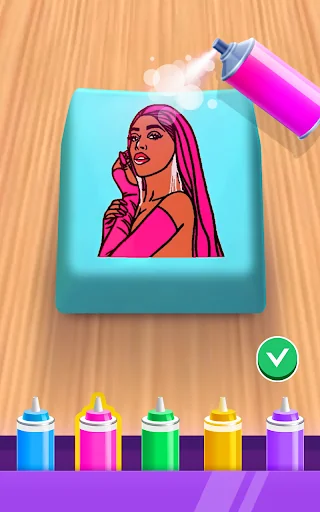
DIY Keyboard is a creative simulation game that allows users to personalize virtual keyboards from scratch. Players start with basic models and gradually unlock new designs, components, and customization options as they progress. The core gameplay loop involves selecting base templates, applying color schemes, adding decorative elements like stickers, and waiting for each part to 'dry' before assembling the final product.
As you advance through levels, more advanced tools and materials become available, including premium buttons, special effects, and rare sticker collections. Each completed project brings a sense of achievement, encouraging further exploration and experimentation within the game’s rich design environment.
How to Play DIY Keyboard
Design Your Custom Keyboard
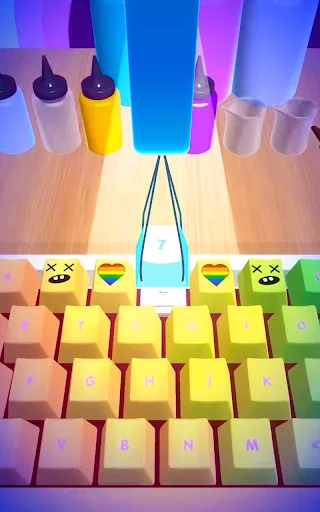
The first step in DIY Keyboard is choosing a base model and personalizing it. You can select from various pre-designed keyboard layouts and begin applying your preferred color palette. Add background images, switch out keycap styles, and place themed stickers to give your creation a unique identity.
Collect Materials & Unlock New Items
To access higher-tier components, players must complete challenges and earn in-game currency. These resources can be used to unlock exclusive themes, limited edition stickers, and special effect filters. The more you play, the more rare and exciting items you’ll discover, giving you greater freedom in your creations.
Assemble and Finalize
Once your design is complete, you must let each element 'dry' before moving on. This adds a realistic touch to the crafting process, simulating real-life design workflows. After assembly, you can view your finished masterpiece in 3D, rotate it, and even share it with friends or on social media directly from the app.
Game Controls
DIY Keyboard features intuitive touchscreen controls optimized for both smartphones and tablets. Tap to select items, drag to position them, pinch to zoom in and out, and swipe to navigate between menus. The interface is user-friendly, ensuring smooth interaction whether you're a beginner or experienced mobile gamer.
Ready to Create Your Dream Keyboard?
Dive into the world of digital craftsmanship and express your style with DIY Keyboard. With its relaxing yet engaging gameplay, this app is perfect for anyone who loves to create, customize, and show off their artistic side. Download now via Google Play or App Store, or get the latest APK download from apk.odinwan.com – your next favorite creative tool awaits!