What makes your photos worthy of a gallery? Prisma Photo Editor transforms ordinary images into artistic masterpieces using advanced neural networks and a vast library of visual styles.
What's Inside Prisma Photo Editor?
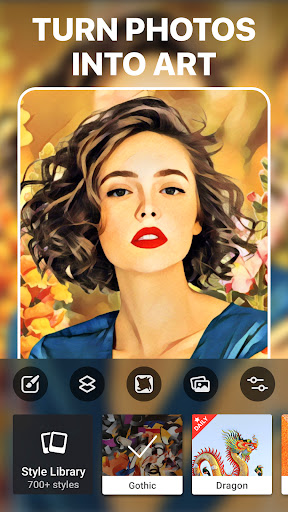
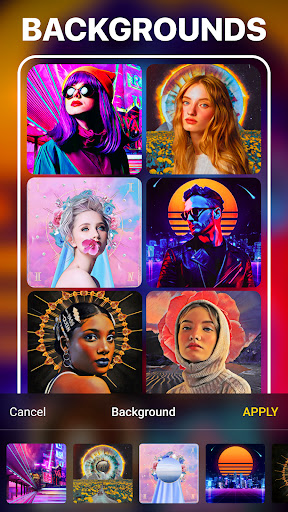
Prisma Photo Editor is an Android-compatible photo editing application designed to apply artistic filters and enhance images with professional-grade tools. It enables users to convert everyday photographs into artwork inspired by famous painters and modern design trends. The app serves creators, designers, social media marketers, and photography enthusiasts who seek unique visual expression. Its core functionality includes access to over 300 art styles, daily filter updates, community sharing features, and comprehensive image adjustment tools.
How to Use Prisma Photo Editor
Apply Artistic Filters
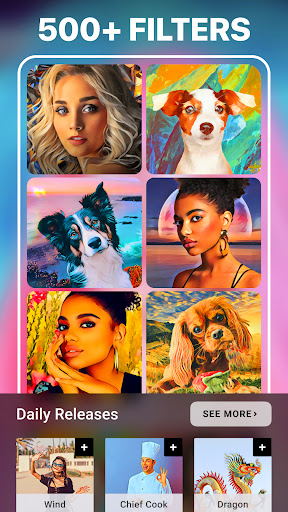
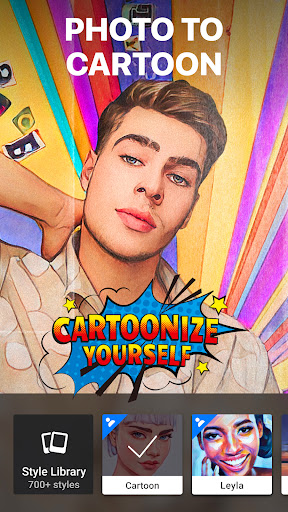
With more than 300 built-in art styles, users can transform their photos into paintings, sketches, or abstract designs. Each style applies a distinct aesthetic derived from renowned artists and artistic movements.
Explore New Styles Daily
Prisma introduces a new art filter every day, offering fresh creative options. Users are encouraged to check the app regularly to discover exclusive limited-time styles and special releases.
Enhance and Refine Images
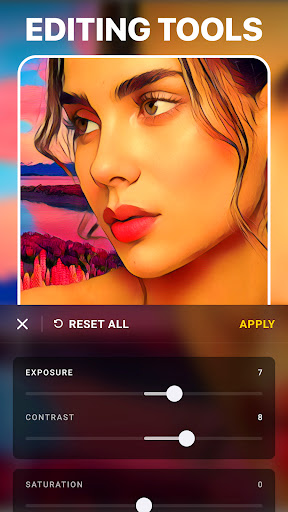
After applying an art filter, utilize the fine-tuning tools to adjust exposure, sharpness, contrast, brightness, and other parameters. This ensures that each edited photo meets professional quality standards.
Key Features
- Over 300 artistic filters and growing
- Daily updated art styles
- Integrated creator community with feed and user interactions
- Advanced photo enhancement controls
- High-resolution output support
- Seamless Android integration
Ready to turn your moments into masterpieces? Download Prisma Photo Editor APK now from Google Play or visit apk.odinwan.com for the latest version and updates.