What if you could transform raw video footage into polished, shareable content in minutes? instaShot delivers a comprehensive suite of video editing capabilities designed for both casual users and content creators.
What's Inside instaShot?
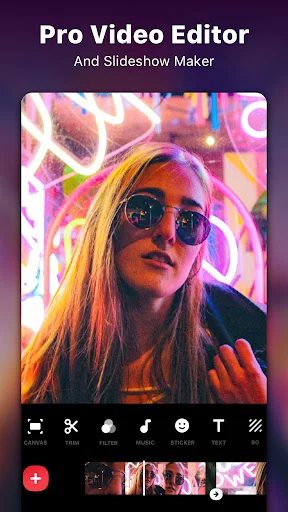
instaShot is a professional-grade video editing application for Android devices that combines trimming, merging, filtering, and enhancement tools. This versatile video editor serves multiple purposes including YouTube content creation, social media post production, vlog editing, and digital storytelling. The platform offers essential editing functions such as precise video cutting, seamless clip merging, advanced filtering systems, and professional text overlay capabilities.
How to Use instaShot
Video Trimming and Splitting
Effortlessly cut videos into precise segments using the intuitive timeline editor. Split longer videos into multiple clips for social media platforms, or trim unwanted sections while maintaining original quality. Export trimmed videos in high-definition formats suitable for professional sharing.
Video Merging and Combination
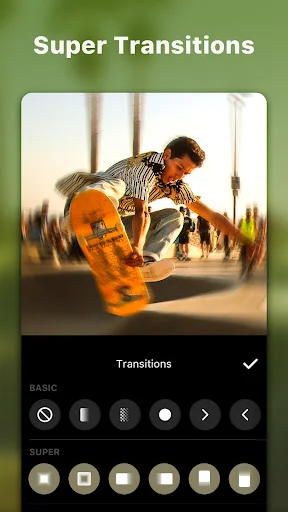
Combine multiple video clips into cohesive sequences with seamless transitions. Merge videos of varying lengths and formats into single compositions ready for YouTube, Instagram, TikTok, and other social platforms. Maintain consistent quality throughout the merging process.
Advanced Editing Tools
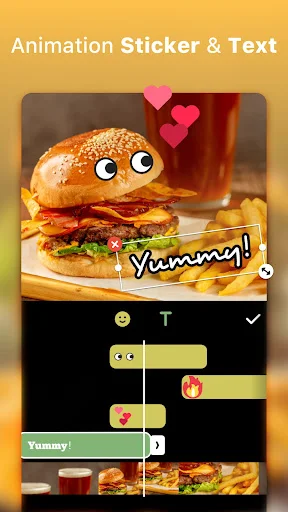
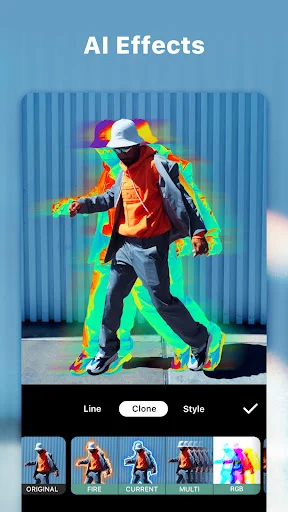
Apply professional-grade filters, visual effects, and color adjustments to enhance video appearance. Customize brightness, contrast, and saturation levels. Add dynamic elements including animated stickers, emojis, and personalized text overlays with extensive font options.
Key Features
- Professional video trimming, cutting, and splitting capabilities
- High-quality video merging and combination tools
- Extensive library of visual filters and special effects
- Comprehensive text editing with diverse font selections
- Over 1000 animated stickers and emoji options
- Precise video speed control with fast-motion and slow-motion options
- Advanced video cropping in multiple aspect ratios
- Rotation and flipping tools for video orientation adjustment
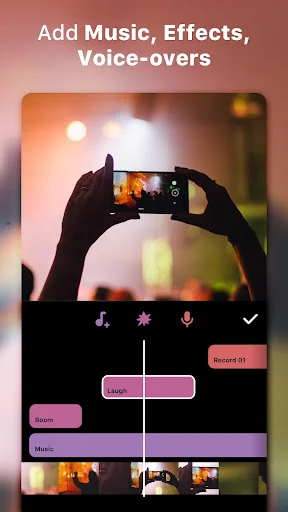
- Music integration with personal audio and built-in soundtrack options
- Voice recording and audio adjustment features
- Photo slideshow creation with musical accompaniment
- Professional video conversion and export capabilities
- Blur background tools for enhanced visual focus
- Social media optimized sharing across all major platforms
- Collage creation and photo editing functionalities
Ready to elevate your video editing experience? Download instaShot today from Google Play Store or visit apk.odinwan.com for the latest APK version and start creating professional-quality content on your Android device.