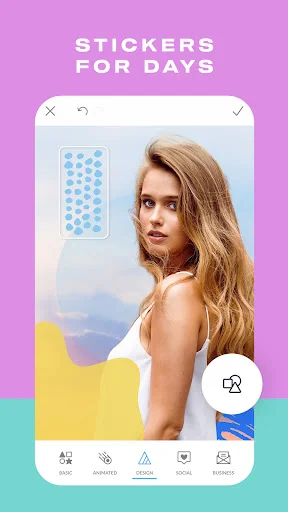
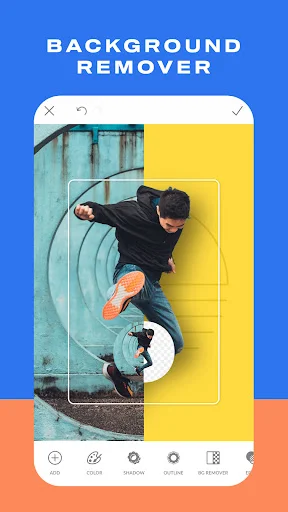

Can professional-quality photo editing fit in your pocket? PicMonkey Photo Editor delivers advanced tools for enhancing images directly on your Android device. With powerful editing features and creative effects, this app empowers users to transform their photos with precision and style.
What's Inside PicMonkey Photo Editor?
PicMonkey Photo Editor is a mobile application designed for Android users who want to enhance and customize their digital images. The app offers both basic and advanced editing capabilities suitable for casual users and content creators alike. Whether you're looking to correct minor flaws, apply artistic filters, or add personalized text, PicMonkey provides an intuitive platform for all your image-editing needs.
How to Use PicMonkey Photo Editor
Basic Editing Tools
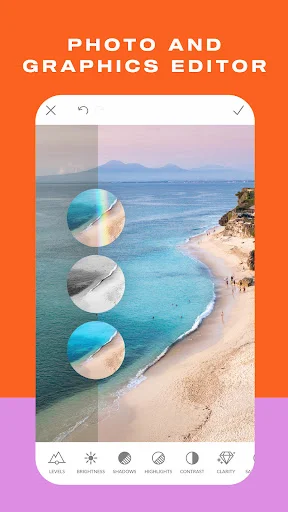
The app includes fundamental editing functions such as cropping, rotating, resizing, adjusting exposure, and changing canvas colors. These tools provide full control over image composition and appearance.
Portrait Enhancement Features
For portrait refinement, PicMonkey offers specialized touch-up tools including blemish removal, teeth whitening, and lip tinting. Additional premium features like wrinkle remover, eye tint, and mascara effects are available for more advanced enhancements.
Text and Font Customization
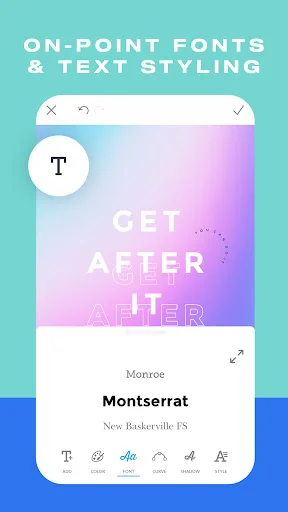
Users can elevate their visuals by adding text overlays with access to dozens of built-in fonts. Adjustments to font size, color, and style ensure perfect integration with your design vision. For greater flexibility, external fonts installed on your device can also be utilized.
Key Features
- Professional-grade editing tools for precise adjustments
- Extensive library of visual effects including Mirror and Ombre
- Advanced portrait retouching options (Premium)
- Customizable text overlay with diverse font selections
- Cross-device project saving through "The Hub" feature (Premium)
- Support for personal font imports from your device
Download PicMonkey Photo Editor today to unlock your creativity. Available on Google Play for Android devices. For direct APK download and additional resources, visit apk.odinwan.com.